Overview
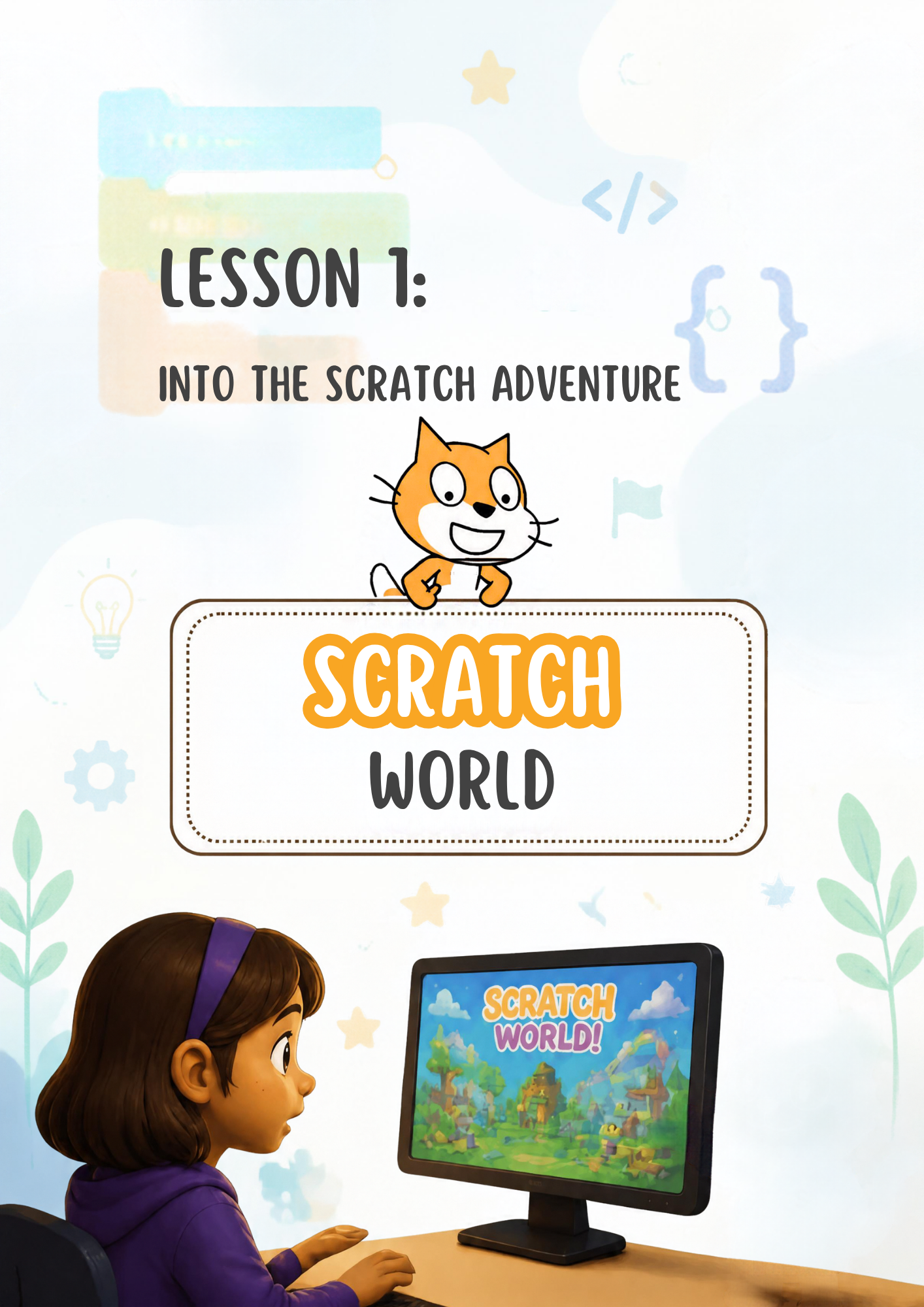
This resource teaches students how to get started with Scratch by creating their own free Scratch account. Students learn how to visit the Scratch website (scratch.mit.edu), click Join Scratch, and choose a username and password. They also learn to select their country and birth month and year, and to add a parent’s email address to verify the account. The lesson highlights online safety: using a nickname instead of a real name, keeping the password private, and confirming the account by email. Reflection questions at the end help students think about what they learned and what they want to create in Scratch.