

माइ ब्लक
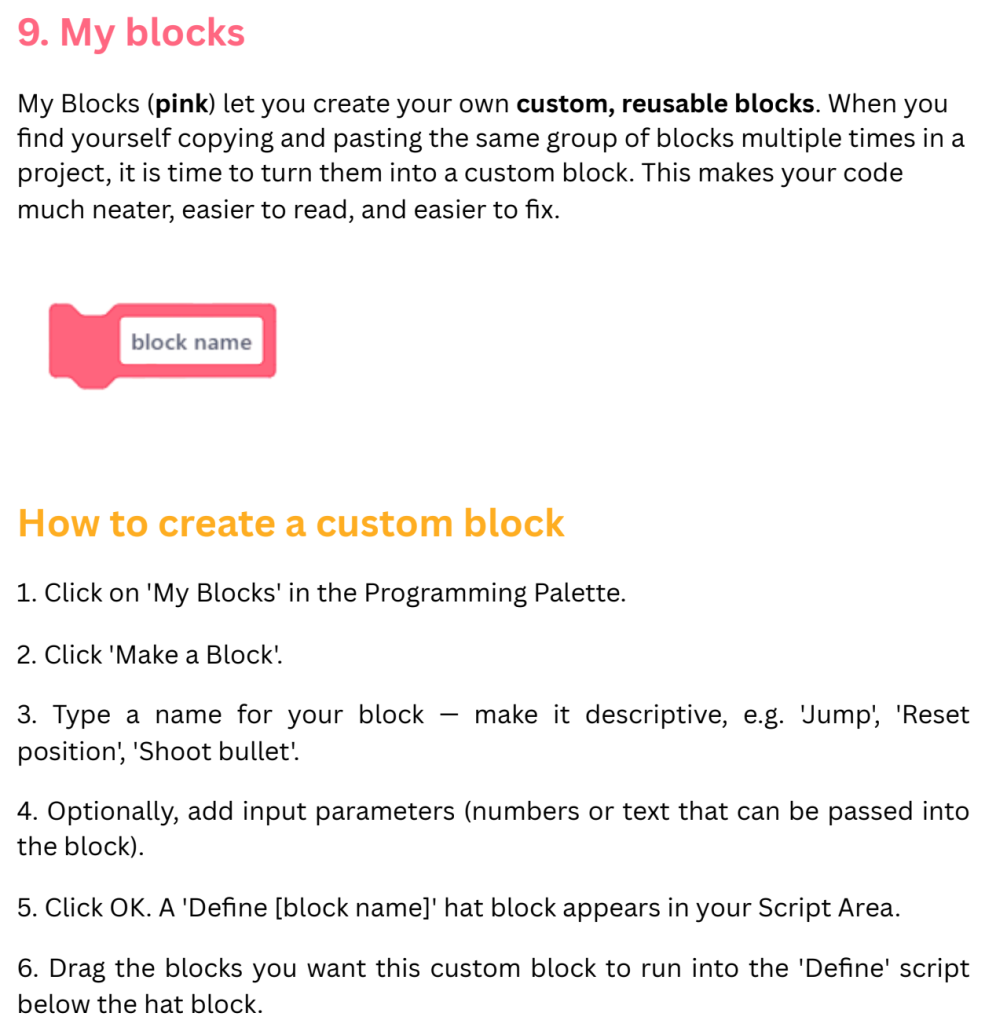
My Block Grades Grade 6-8 Subjects Science & Technology, Engineering Tags Engineering Motion Download Overview My Blocks (pink) let you create your own custom, reusable blocks. When you find yourself copying and pasting the same group of blocks multiple times in a project, it is time to turn them into a custom block. This makes your […]
भेरिएबल्स ब्लक
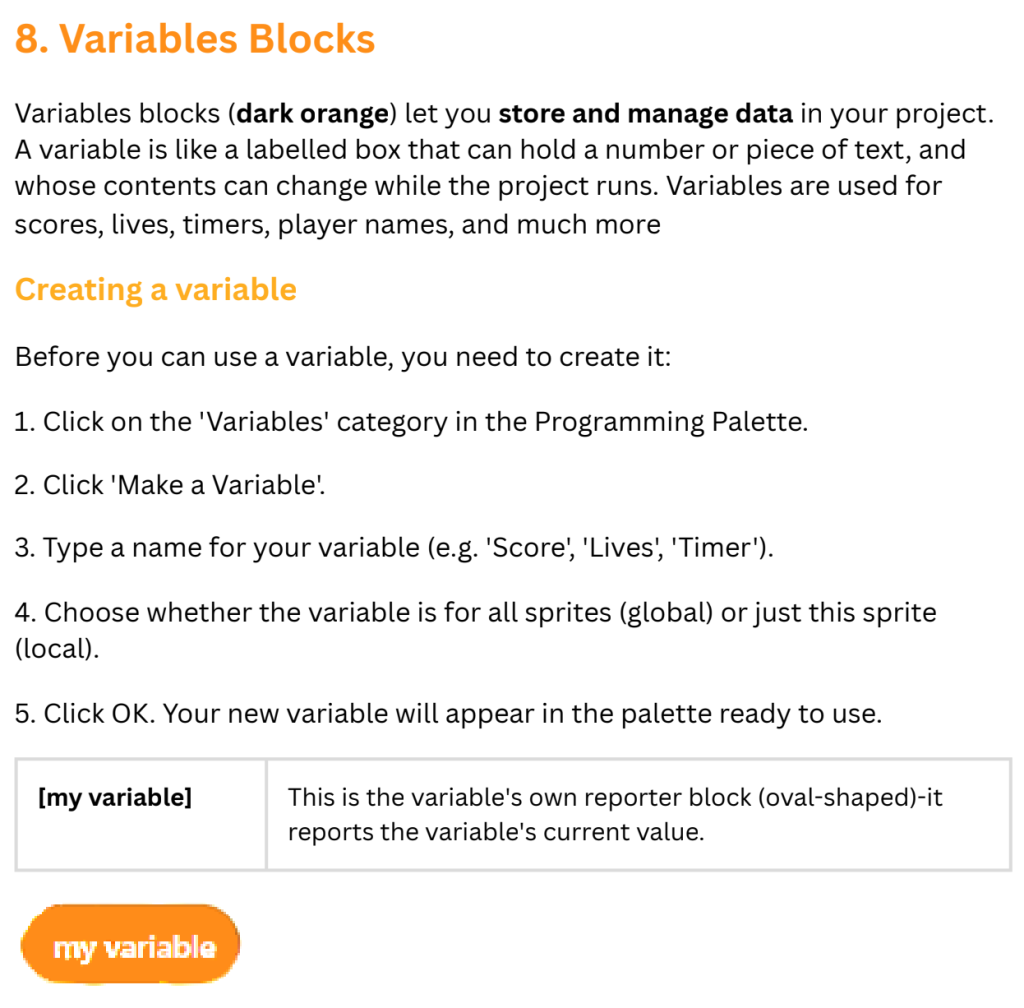
Variables Block Grades Grade 6-8 Subjects Science & Technology, Engineering Tags Engineering Motion Download Overview Variables blocks (dark orange) let you store and manage data in your project. A variable is like a labelled box that can hold a number or piece of text, and whose contents can change while the project runs. Variables are used […]
अपरेटर्स ब्लक
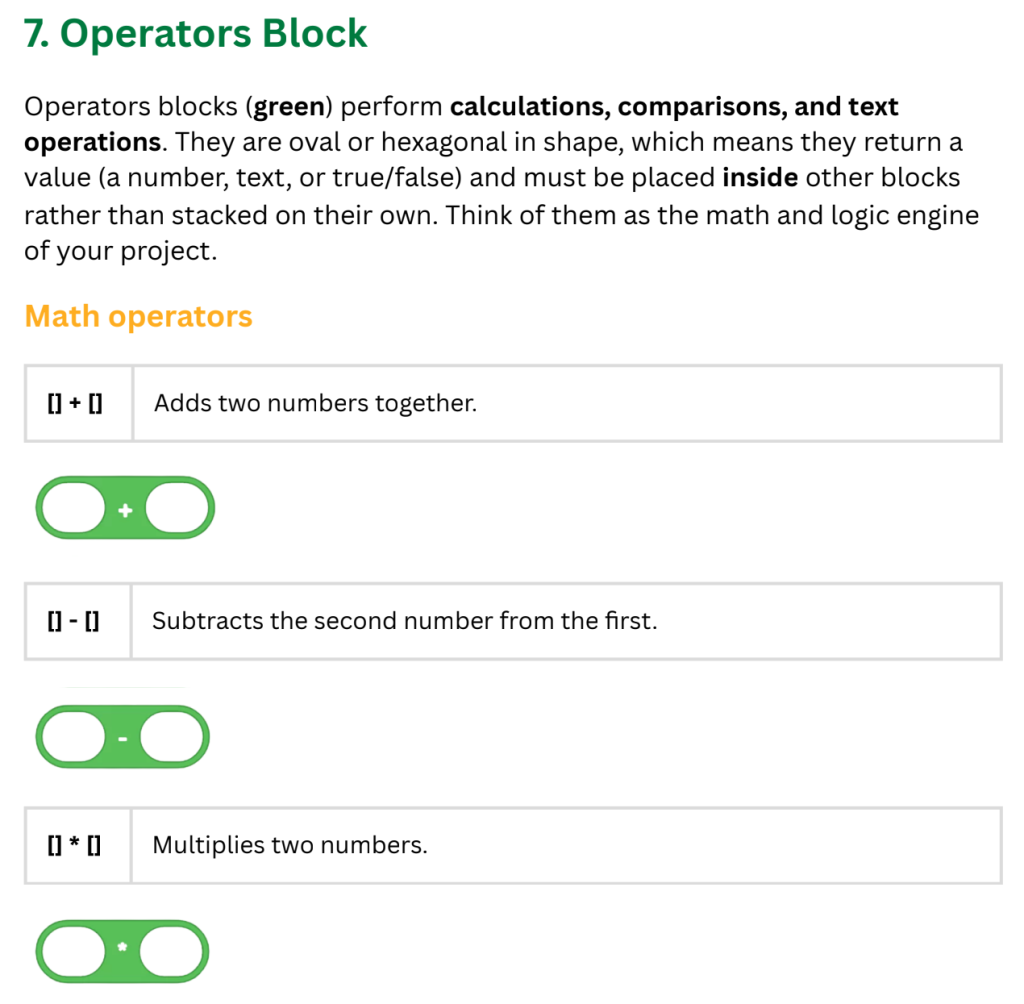
Operators Block Grades Grade 6-8 Subjects Science & Technology, Engineering Tags Engineering Motion Download Overview Operators blocks (green) perform calculations, comparisons, and text operations. They are oval or hexagonal in shape, which means they return a value (a number, text, or true/false) and must be placed inside other blocks rather than stacked on their own. Think […]
सेन्सिङ ब्लक
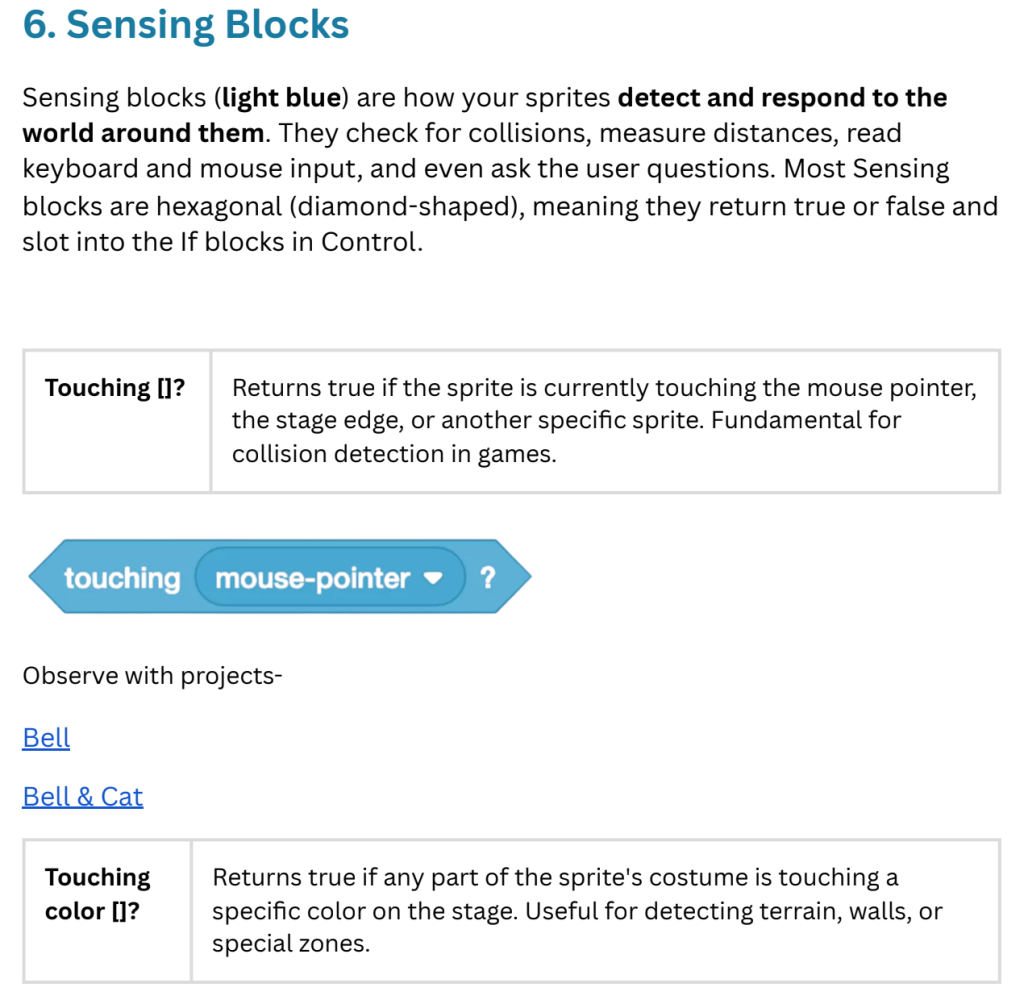
Sensing Block Grades Grade 6-8 Subjects Science & Technology, Engineering Tags Engineering Motion Download Overview Sensing blocks (light blue) are how your sprites detect and respond to the world around them. They check for collisions, measure distances, read keyboard and mouse input, and even ask the user questions. Most Sensing blocks are hexagonal (diamond-shaped), meaning they […]
कन्ट्रोल ब्लक
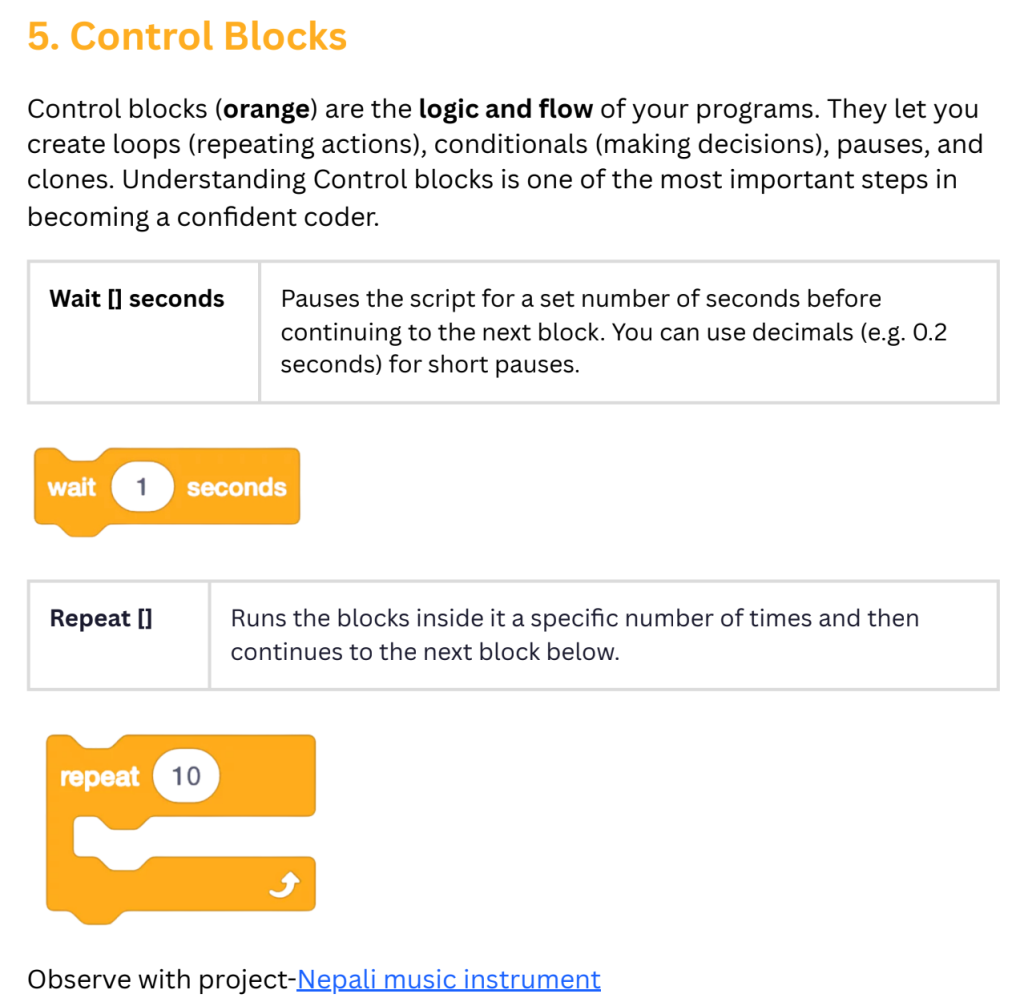
Control Block Grades Grade 6-8 Subjects Science & Technology, Engineering Tags Engineering Motion Download Overview Control blocks (orange) are the logic and flow of your programs. They let you create loops (repeating actions), conditionals (making decisions), pauses, and clones. Understanding Control blocks is one of the most important steps in becoming a confident coder.
इभेन्ट्स ब्लक
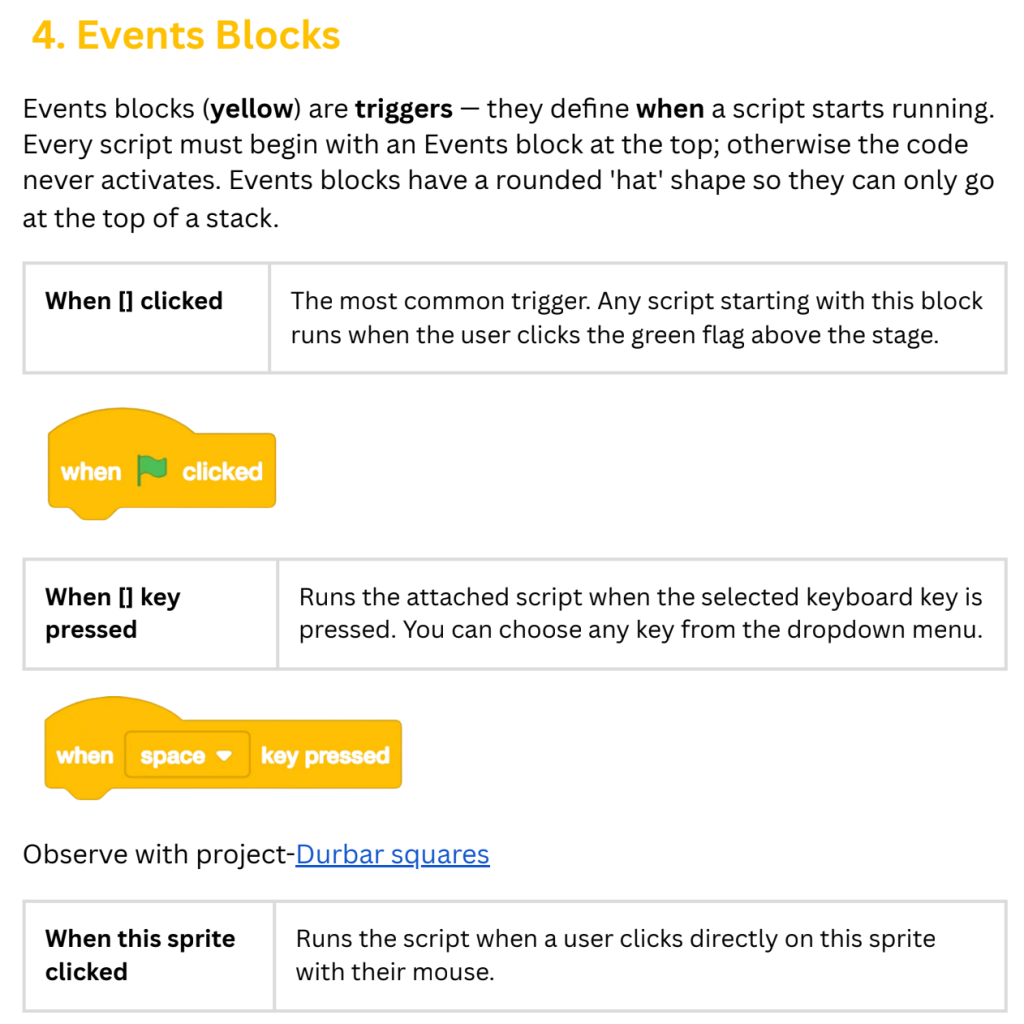
Events Block Grades Grade 6-8 Subjects Science & Technology, Engineering Tags Engineering Motion Download Overview Events blocks (yellow) are triggers – they define when a script starts running. Every script must begin with an Events block at the top; otherwise the code never activates. Events blocks have a rounded ‘hat’ shape so they can only go […]
साउन्ड ब्लक
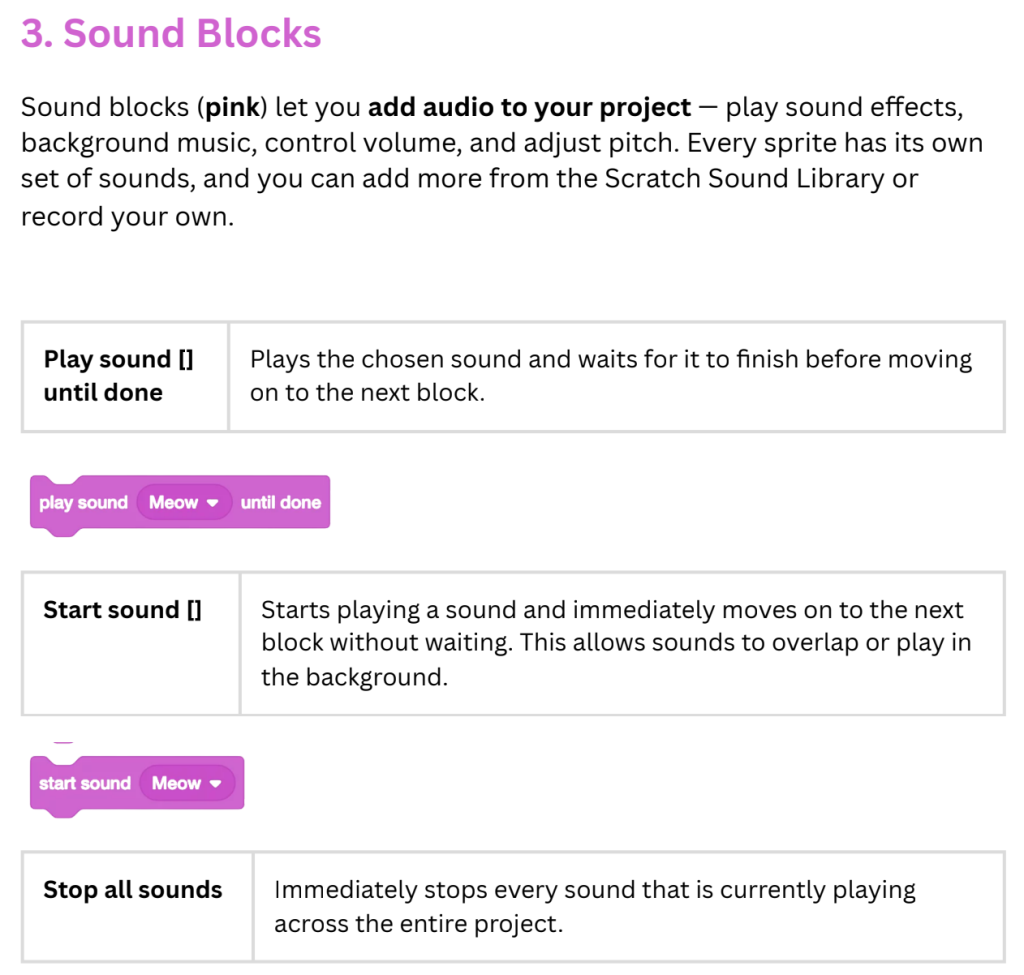
Sound Block Grades Grade 6-8 Subjects Science & Technology, Engineering Tags Engineering Motion Download Overview Sound blocks (pink) let you add audio to your project – play sound effects, background music, control volume, and adjust pitch. Every sprite has its own set of sounds, and you can add more from the Scratch Sound Library or record […]
लुक्स ब्लक
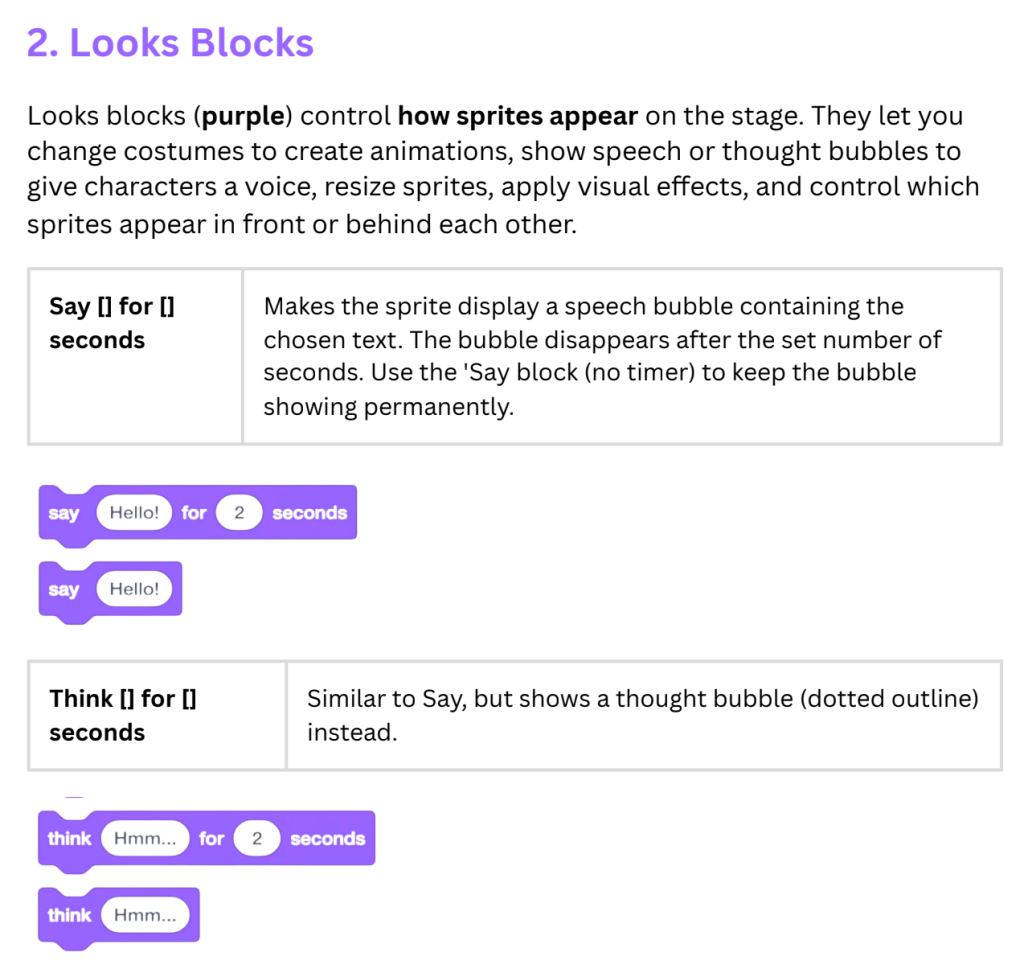
Looks Block Grades Grade 6-8 Subjects Science & Technology, Engineering Tags Engineering Motion Download Overview Looks blocks (purple) control how sprites appear on the stage. They let you change costumes to create animations, show speech or thought bubbles to give characters a voice, resize sprites, apply visual effects, and control which sprites appear in front or […]
मोसन ब्लक
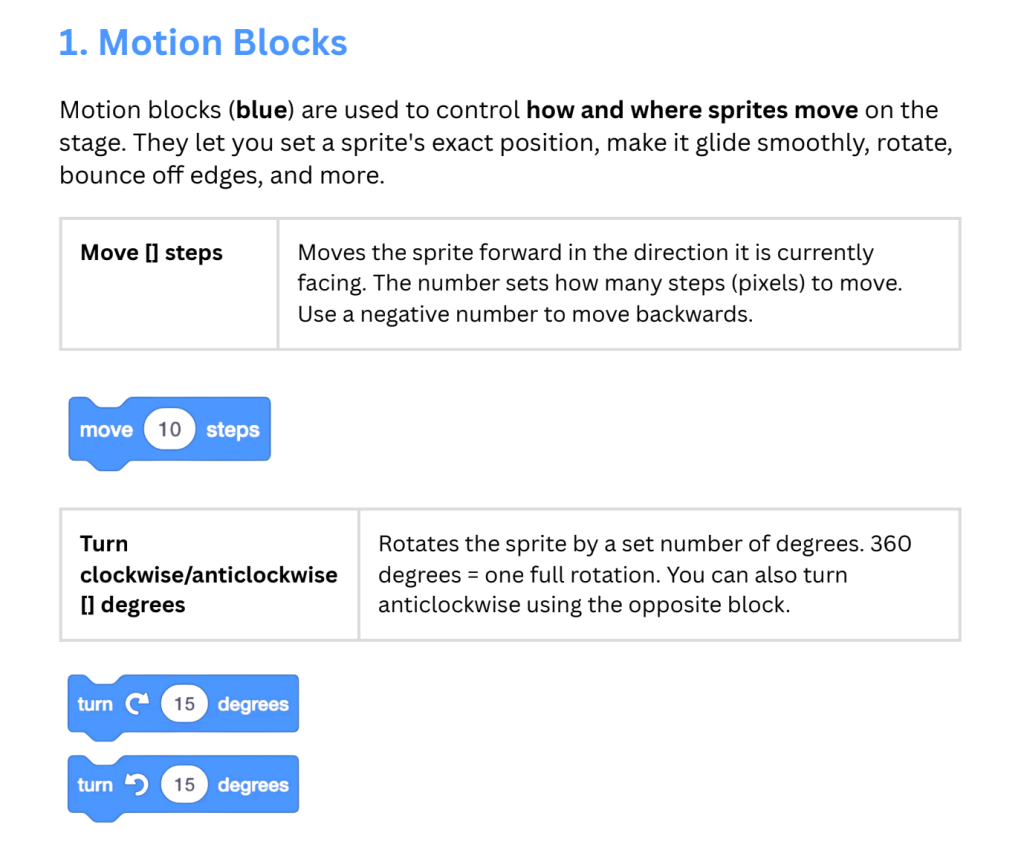
Motion Block Grades Grade 6-8 Subjects Science & Technology, Engineering Tags Engineering Motion Download Overview Motion blocks (blue) are used to control how and where sprites move on the stage. They let you set a sprite’s exact position, make it glide smoothly, rotate, bounce off edges, and more.
स्क्र्याच इन्टरफेसको परिचय
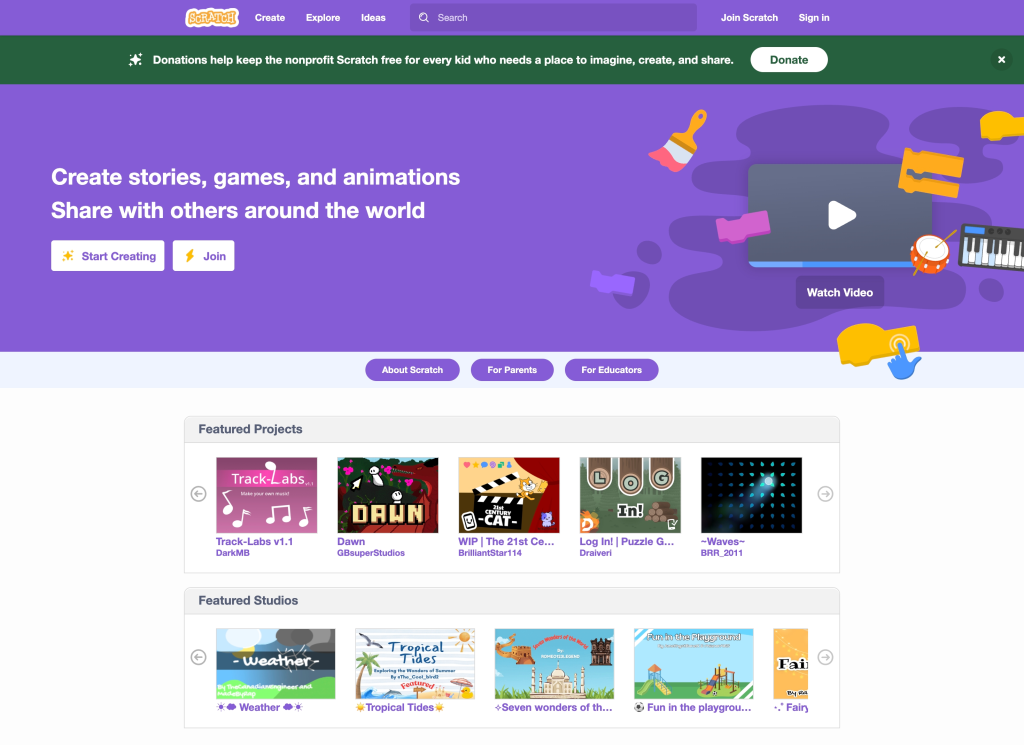
Introduction to the Scratch Interface Grades Grade 6-8 Subjects Science & Technology, Engineering Tags Engineering Motion Download Overview Scratch is a free, visual programming language designed to let you build games, animations, and interactive stories by snapping together colorful blocks of code instead of typing lines of text.